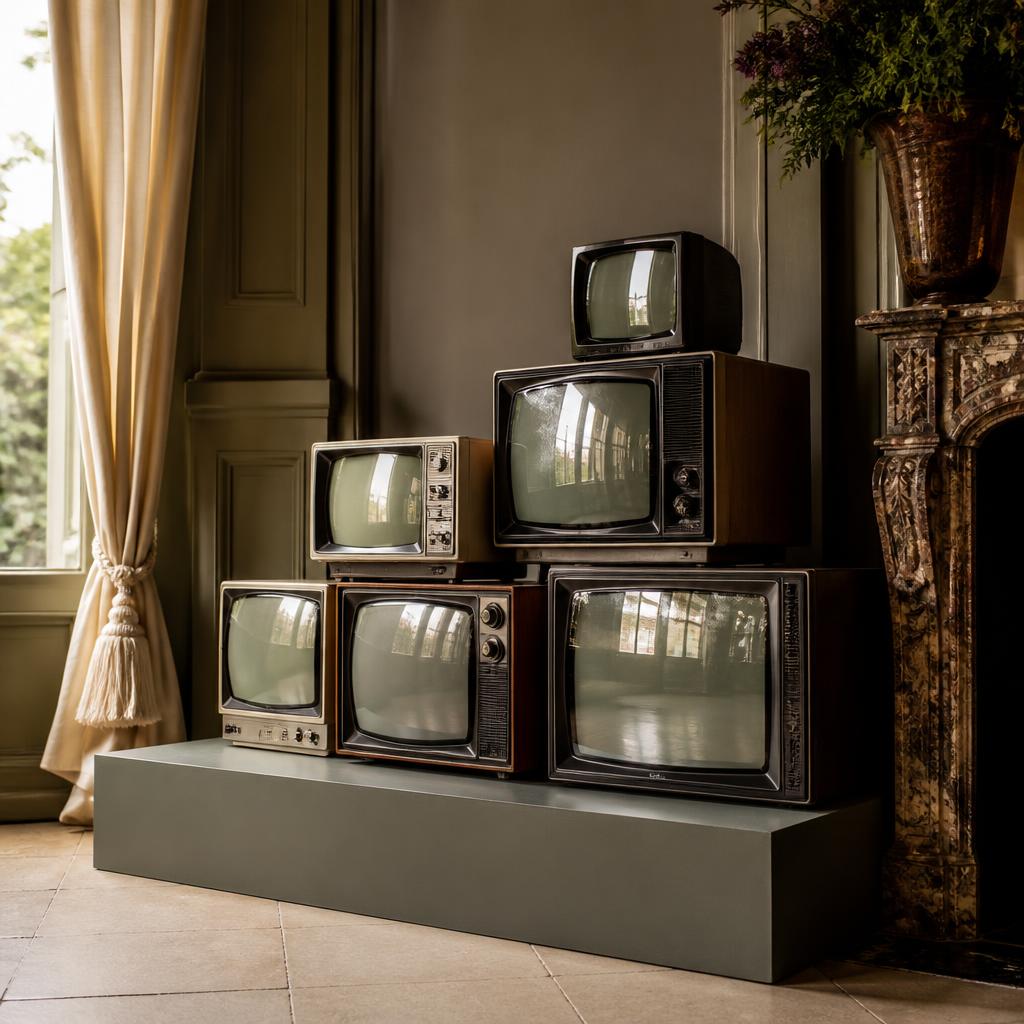
A tower of television sets can do more than fill a wall. It can suggest a decade, add texture to a frame, create an installation people gather around or give a stage a recognisable centrepiece. The most successful TV stacks are planned as both a visual composition and a collection of real electrical objects. This guide covers the creative brief, signal behaviour, stability, access, delivery and the questions to settle before a stack arrives.
Decide whether the stack is scenery, a display or both
Start by agreeing what the audience or camera needs to see. A decorative group of televisions may only need to read as a stack from a particular angle. A functional display may need every screen to switch on and show defined material. A close-up on a film set can reveal scratches, reflections, controls, cables and the screen’s refresh behaviour, while a distant stage view may only show shape, glow and movement. A gallery piece may need to run for many hours and remain accessible to staff and visitors.
Make a distinction between “working” and “showing the right thing”. An old television can power up yet lack the required input, accept a different signal, display inconsistent colour or need a converter that changes the look. If content must appear on a screen, provide a reference, describe the intended movement and confirm whether the screens need identical or separate feeds. If the set is only a period silhouette, say that too. It can change the selection and avoid paying for technical behaviour the audience will never see.
Make a visual plan before choosing the individual sets
Sketch the overall outline first. Consider the width and height of the planned structure, the shape of each cabinet, the direction of the screen faces and the negative space between televisions. A symmetrical pyramid reads differently from a loose asymmetric cluster or a floor-to-ceiling column. Photograph the location and mark the camera or audience sightlines. A stack that looks impressive in a straight-on image may feel lopsided from the side or block a doorway when seen in the actual room.
Use references to identify the visual ingredients: era, case colour, screen size, cabinet shape, light, image content, cable visibility and surrounding furniture. Explain what can change and what cannot. Real vintage sets are often different models rather than perfectly matched units, which can be a benefit for an authentic look but a challenge if the production expects uniform faces. A TV stack rental enquiry with reference images, a rough elevation and the required dates provides a stronger starting point than a request for a fixed number of televisions.
Measure the space, structure and access route
Record the exact floor area, ceiling height, doorway width, corridor turns, lift capacity and route from the loading point. Measure the televisions as complete objects, including cabinet depth, feet, control knobs and any protruding cables. A CRT can be surprisingly deep and heavy compared with a flat-screen of similar diagonal measurement. The dimensions printed for a screen often describe the viewable image, not the cabinet that must pass through a doorway or sit on a platform.
Do not estimate structural capacity from a photo or assume that a stage deck, table, plinth or wall can hold the total weight. A competent person should assess the proposed support, each contact point, stability and the consequences of the installation being moved, bumped or accessed by the public. If the design relies on suspending equipment, attaching to architecture or placing a stack above people, take the proposal to the appropriate venue and structural professionals. The hire supplier can provide equipment information but cannot approve a venue’s structure without the necessary competence and site-specific review.
Stability comes before the final arrangement
A stack of separate boxes is not automatically a stable structure. Weight, centre of gravity, base width, surface friction, uneven floors, vibration, passing crowds and cable tension can all matter. The arrangement may need a load-rated plinth, a controlled footprint, restraints or other measures selected by a competent person. Do not improvise restraints, drill into a television case or connect equipment to a wall without approval. Keep access to exits, fire equipment and essential controls clear.
Plan who will assemble and inspect the display, who is allowed near it, and what changes require a fresh check. If the stack may be touched, climbed on, moved for a camera setup or bumped by road cases, that belongs in the risk assessment. Keep liquids, heat sources and loose objects away from screens and vents. The appropriate safeguards depend on the venue, equipment, configuration and audience; a written, site-specific assessment is more useful than a generic statement that the stack is safe.
Plan feeds, playback and what each screen will show
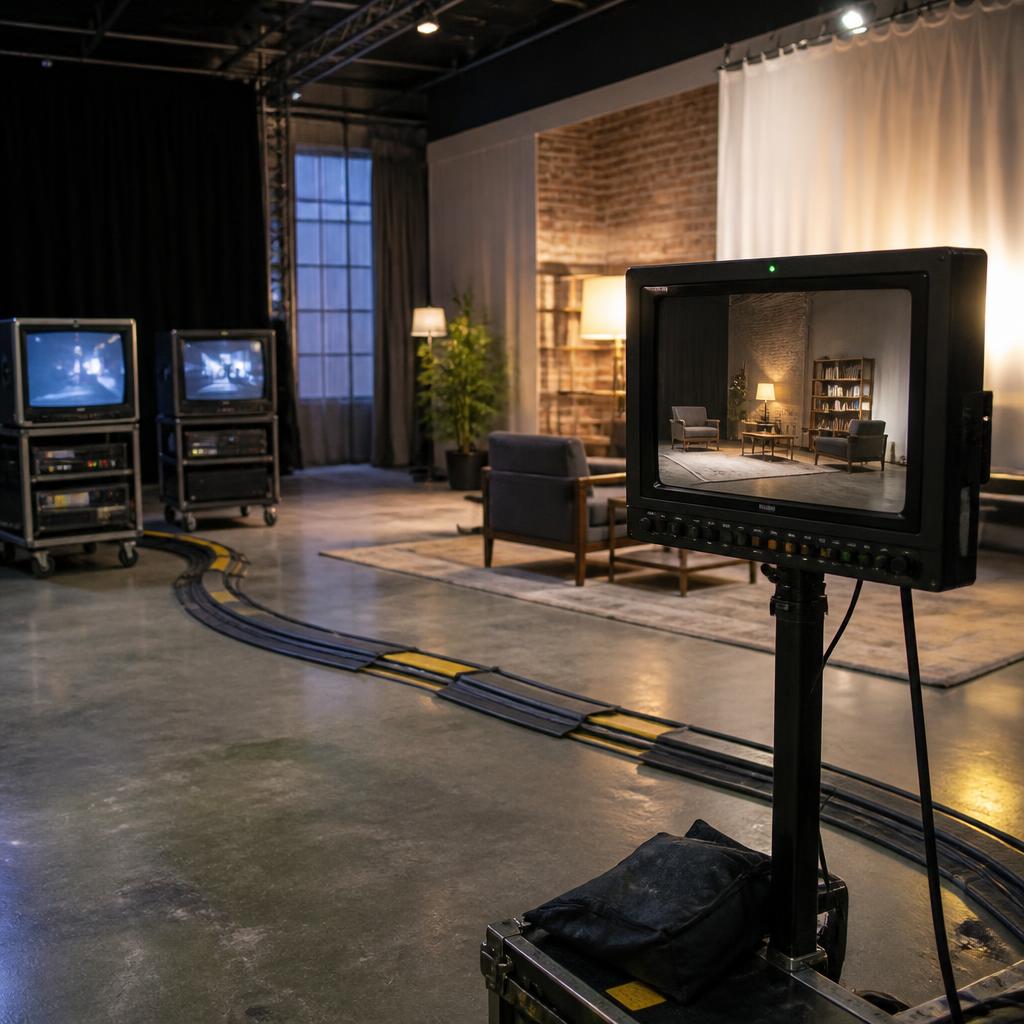
There are several different creative setups: a single image repeated across every set, one independent feed per screen, a mixture of live and prerecorded content, or a stack that appears powered off. Each option has a different number of source devices, connections, operators, power needs and failure points. Draw a basic signal diagram. Label each display, source, converter, splitter and cable. Confirm whether the chosen equipment can accept the intended signal and whether a technical test is available before the live day.
A picture that looks correct on a modern monitor may not translate directly to an older CRT. Aspect ratio, resolution, colour, scan behaviour, picture distortion and overscan can change what is visible. Fine text may be lost, edges may sit outside the frame and a high-detail image can look noisy. Design content with the actual screen characteristics in mind and test it at the intended viewing distance. If the screen is being filmed, test through the camera and frame rate too; the camera image can reveal flicker or banding that people in the room do not notice.
Understand vintage picture and connection limits
CRT televisions were made across many decades and formats, so a group of sets should not be treated as a uniform modern display wall. Inputs vary, remote controls may be absent and different displays can interpret a signal differently. Some televisions may be more appropriate as visual props than as reliable playback devices. Confirm which actual sets will be provided, what has been tested, whether a source or converter is part of the quote and whether the image requirement can be met before booking the stack.
Be precise about whether the image needs to be legible or simply evocative. A soft, curved or slightly unstable picture may be exactly right for an art direction reference. A clean logo, instruction or fine detail may need a modern screen or a separately tested feed. Avoid promising a specific technical appearance based solely on another television model or a moodboard. The footage, input, display, room light and camera settings combine to create the final image, so the production should approve a test where picture fidelity matters.
Treat electricity and cable routes as part of the design
A bank of televisions can require multiple power connections as well as signal and control cables. Confirm the number and position of outlets, the permitted load, the need for extension leads and who is responsible for connecting equipment. Do not daisy-chain power strips or bury joins as a shortcut. Keep cables protected and routed so people cannot trip over them, pull on a television or obstruct access. For a public event, temporary electrical arrangements need to be included in the overall site plan.
HSE guidance says event organisers, contractors and others using equipment should do all that is reasonably practicable to ensure installations and equipment are properly selected, installed and maintained so they do not cause death or injury. The HSE event electrical safety guidance covers planning, temporary installations and cable routing. It is not a substitute for competent technical advice or the venue’s own requirements. Decide who may connect, test and isolate the equipment, and provide a clear contact route if a fault or damage is discovered.
Allow for heat, ventilation and long operating periods
Operating equipment produces heat, and older televisions may need more clearance around vents than the installation sketch suggests. Do not cover ventilation slots or press cabinets tightly together unless the equipment’s guidance permits that arrangement. A television that runs for a short camera take has a different operating pattern from a display left on throughout a day-long exhibition. Ask how long the screens need to be powered, whether they will cycle content continuously and who checks them during operation.
The environment can also change. A warm venue, direct sunlight, dust from a build, fabric dressing and a crowded booth may affect airflow. Keep service access clear so a competent person can reach plugs and controls without climbing on the structure or moving other equipment. If the display must be unattended, agree a safe switch-off plan and who is responsible for monitoring it. These practical choices help avoid damaged equipment, overheating and rushed interventions during the event.
Coordinate venue approval, build time and removal
Share a drawing and equipment summary with the venue before delivery. It should show approximate dimensions, final location, route, support, access for setup, required power, cable runs and how the display will be secured or controlled. The venue may need to approve a risk assessment, method statement, contractor, public-facing barrier or installation window. Requirements vary: a film studio, gallery, conference centre, theatre and private property do not share one universal process.
Book enough time for unloading, placement, connections, content test, camera check and any venue inspection. If you are relying on a narrow loading slot, build time around it rather than assuming a truck can wait. Confirm how and when the televisions will be collected, whether they must be returned to their original arrangement, who removes content devices and where packaging is stored. These tasks are often overlooked because attention stays on the opening or first shot. A complete run sheet takes the stack safely from delivery through to removal.
Remember licensing, copyright and filming permissions
The hardware rental and the right to use the material on screen are different matters. If a stack shows broadcast programmes, films, music videos, sports footage, a logo or someone else’s artwork, identify the appropriate rights and clearances with the rights holder or production legal team. The intended audience, venue, recording and distribution plan can all be relevant. A supplier’s possession of a television does not give the customer permission to play or publish any programme on it.
If the installation is used to watch or record live television or BBC iPlayer, check whether the relevant TV Licensing rules apply to that activity and place. The answer is not determined only by who owns or hires the set. For a production, also consider whether filmed screens will create clearance concerns when the finished programme is distributed. Where a real channel logo or copyrighted clip is not necessary, an original graphic or cleared test material may simplify the shoot. Confirm requirements before load-in, because removing unapproved content after the set is built can be expensive.
Build a concise equipment and content brief
A useful first brief includes the location, room dimensions, delivery and collection dates, access route, desired stack outline, number of screens, approximate sizes, vintage era or cabinet references, and whether each television must work. Add the picture or content requirements, source devices, audio needs, camera framing, event hours, power constraints and any venue deadlines. State what is confirmed and what is only an idea. The supplier can respond more usefully when the unknowns are visible rather than hidden behind a fixed but incomplete list.
Attach a reference image or simple elevation if possible, and ask specific questions about what is included in the quote. Check availability, delivery, collection, setup, testing, technical support and rental terms in writing. If any change would materially alter the installation — extra screens, a new venue, a different delivery slot or public interaction — communicate it before the schedule is final. To discuss a concept, contact the Retro TV Rentals team or start a TV stack hire enquiry with the details you have.
Make the stack memorable for the right reasons
The strongest installation is not necessarily the tallest or the one with the most screens. It is the one whose silhouette, image behaviour and placement support the story while remaining practical to build, view, operate and remove. A restrained arrangement can feel more intentional than a wall of unrelated equipment. Let the lighting and room contribute, leave the content enough contrast to read and avoid adding complexity that does not improve the audience’s experience.
Set the creative goal, then bring the physical, electrical, signal and access plan into the same conversation. Test where the audience and camera will actually be. Confirm the support, content rights, responsibilities and dates in writing. Retro equipment carries a strong visual memory; careful planning lets that memory do the work without asking the venue or production crew to improvise around weight, cables or missing inputs.
Further reading
For additional background, consult Health and Safety Executive guidance for electrical safety at events. External guidance may change; check the source for current information.
This article is general information, not legal, technical or safety advice. Confirm current requirements for your particular site, equipment, contract and intended use.