The “right size” television is not simply the biggest screen that will fit through a door. It is the screen that can be seen from the planned viewing positions, accepts the source you have, fits the room and supports the experience you are creating. Whether you are planning a conference, exhibition, film shoot, pop-up or temporary living space, this guide turns the choice into a manageable set of decisions.
Begin with the job the screen has to do
Write a one-sentence purpose before choosing equipment. “Show a keynote presentation to 40 seated guests” is more useful than “need a big TV”. “Provide a period background detail that appears switched off” leads to a different selection from “play moving footage through a vintage set on camera”. A screen used for a one-to-one conversation, a product demo, a foyer welcome loop or a film insert has different visibility, connection and aesthetic requirements.
Next, define the viewing area. Think about where the audience enters, where people will stand or sit, whether light comes from windows, and whether some viewers will be far to one side. Measure the usable wall or stand space, then note any restrictions on floor loading, fixing points, cable routes and public access. If the television is to be part of the scene rather than the main attraction, say how close the camera or audience will get. A clear brief avoids buying or hiring based on a screen-size number without understanding the room around it.
Choose screen size by viewing conditions
Screen size is measured diagonally, but the visible image also depends on the aspect ratio, bezels, cabinet and orientation. A 43-inch screen does not take up only 43 inches of wall width. Check the manufacturer’s physical dimensions and allow room for a stand, ventilation and connections. Measure the full route to the final position, including a doorway, corridor, lift and turn. Those checks matter particularly for older CRT televisions, whose external cabinet can be much larger and heavier than their advertised display measurement suggests.
For a presentation, the smallest text or detail the audience must read is a useful clue. If the content contains fine labels, a larger screen, fewer slides or a closer audience may work better than simply increasing brightness. Sketch the room or take a photograph from the back row and discuss the approximate viewing distance. Do not treat a generic screen-size calculator as a guarantee: room layout, content, ambient light and individual vision all affect readability. The practical goal is that the intended viewers can understand the important information comfortably.
Decide whether you need modern, retro or both
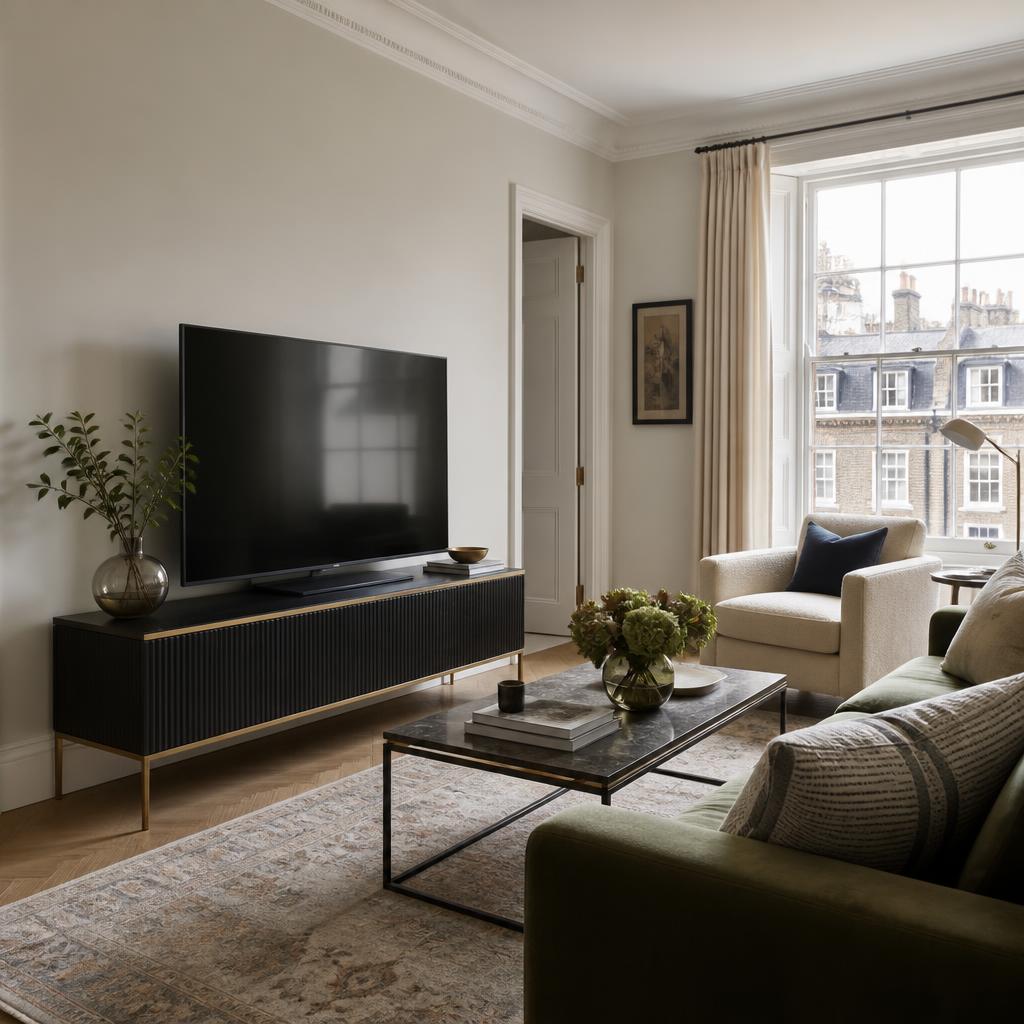
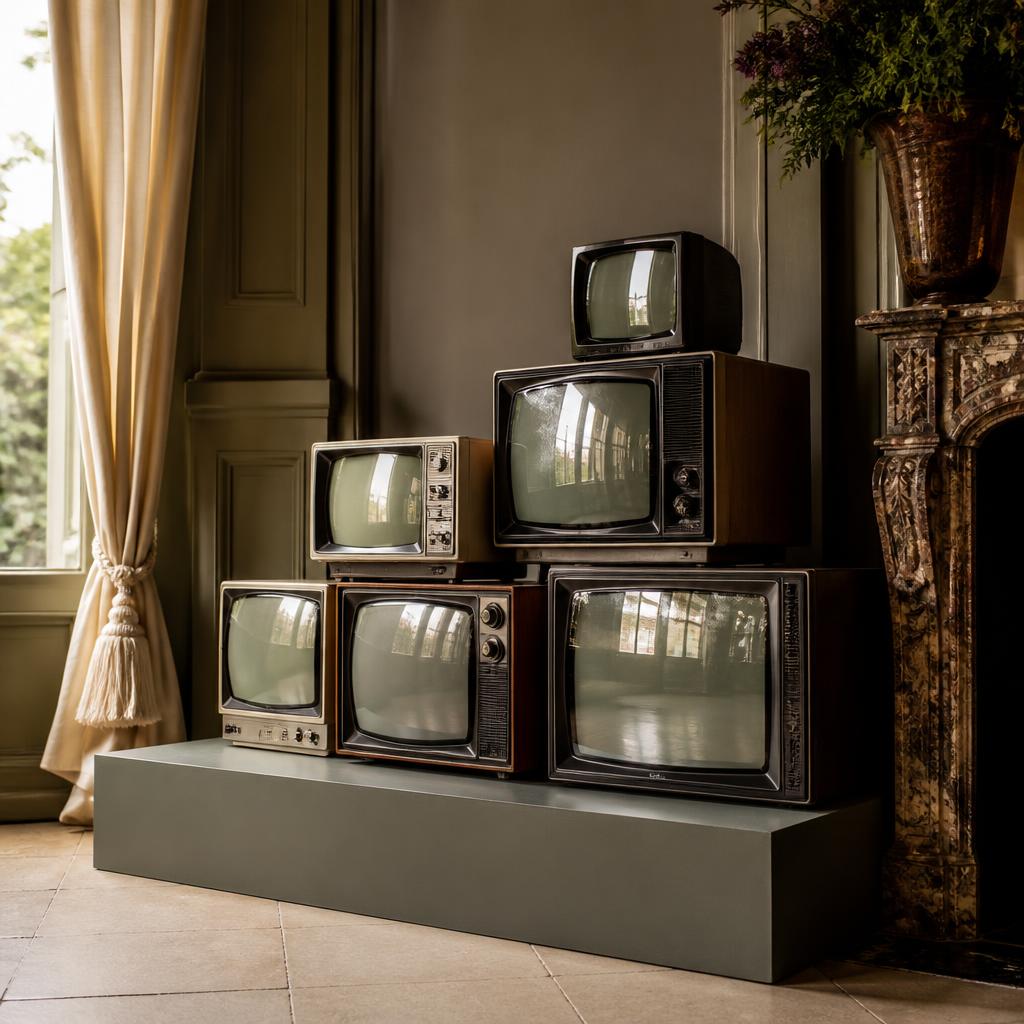
A modern flat-screen is often the straightforward option when the goal is a clean picture, current connections and an unobtrusive appearance. It can suit presentations, guest spaces and many event environments. A CRT has a distinctive shape, glass face and period character that can do visual work before anyone turns it on. A TV stack turns several individual objects into a set piece. You may also combine old and new screens where the look needs period character but one display needs a modern source or a reliable present-day picture.
Describe the effect, not only the object. Do you want a functioning picture that reads clearly from a distance, a convincing period television in a close-up, a bank of screens showing coordinated feeds or several independent pieces of moving image? That distinction influences the type, quantity, condition, placement and connection plan. Look at reference images and identify what matters most: number of sets, cabinet colour, era, working screen, picture content, visible cables or overall silhouette. Then confirm which aspects can actually be supplied for your dates.
Account for light, reflections and contrast
A screen that looks strong in a dim room may be difficult to see in direct daylight. Note windows, spotlights, polished floors and other reflective surfaces around the display. A matte or shaded position, sensible screen angle and control of surrounding light may be more effective than choosing equipment on brightness alone. For an exhibition or event, assess the room when it will actually be in use: an empty venue during setup can be much darker than the space after guests, work lights and open doors arrive.
The content matters too. A high-contrast title slide, large typography and simple imagery are easier to read than pale text over busy footage. If a screen will play video, test the actual material on the actual display where possible. Ask who controls brightness and volume, whether the screen needs to remain on for long periods and how staff can reach its controls. A rental quote will not automatically include production of suitable content or on-site operation, so assign those tasks to a named person before the event.
Check sources and connections early
List every source device: laptop, media player, camera, broadcast receiver, game console or playback server. Record the output connection on each device and the input expected by the screen. Current flat-screens commonly offer HDMI, but the exact number, version, resolution and position of ports vary. Older CRTs may use a different input or need a signal converter. Do not assume that a converter will preserve picture quality, aspect ratio or control behaviour. Test the full chain with the actual content, not only the individual components.
Sound needs separate attention. A television may have built-in speakers, but room size, ambient noise and programme material determine whether they are sufficient. If sound is important, ask about level control, external speakers, audio output and who will supply or operate the sound system. Provide any required adapters, remote controls and playback devices as part of the plan. Label cables, secure routes and keep a spare for the most likely failure point. A compatibility check before dispatch is faster and more reassuring than discovering an incompatible plug at the venue.
Separate the television from the content rights
Hiring equipment gives you access to the hardware under the agreed rental terms; it does not grant permission to show a film, television programme, live sports broadcast, music video or branded creative to an audience. The intended use, audience and setting can affect the rights that need checking. If content is being shown publicly, streamed, recorded or incorporated into a production, speak to the rights holder or the production’s legal adviser. Do not assume that a personal streaming subscription or a standard broadcast licence permits every commercial or public use.
TV Licensing requirements are a separate question from copyright and rental. What you watch or record, and the place where you do it, can matter. A television rental does not include a TV Licence unless written terms explicitly say otherwise, and the owner’s licence is not automatically the answer for a customer’s use. Check the official rules for the actual activity and location before switching on a live broadcast or BBC iPlayer. Also check whether a venue already has a licence and what its scope covers, rather than relying on informal assumptions.
Make the placement stable and safe
Choose a position with a stable base and enough space to route power and signal cables without creating trip hazards. Follow the manufacturer’s instructions and the supplier’s handling guidance. Avoid placing equipment where it can be knocked, where liquid can spill onto it, near a heat source or in a route that needs to remain clear for access and evacuation. If the screen is above floor level or part of a multi-screen stack, the support structure and method of restraint need appropriate assessment for the equipment and setting.
At a public event, the organiser, contractors and other parties may each have safety responsibilities. The exact division depends on the project and arrangements. Plan installation, inspection, cable management, power supply, access control and removal with the relevant competent people. HSE’s event electrical safety guidance discusses planning temporary electrical installations, equipment and cable routing. It is general guidance, not a site-specific risk assessment. If the venue has a technical or safety manager, involve them before you finalise the position or power plan.
Do not forget sightlines and accessibility
A screen is only useful if people can see it without contorting themselves or blocking others. Look at the display from seated and standing positions and consider whether visitors approach from either side. Keep captions, key text and on-screen prompts large and readable. Avoid placing the display too high for prolonged viewing or at an angle that washes out the image. If the content includes dialogue or instructions, captions can support people who are deaf or hard of hearing and can help in noisy rooms.
Keep the surrounding route clear for wheelchair users, mobility aids, prams and venue staff. Stand feet, cable covers and support frames can narrow a route even when the screen itself appears compact. Where a queue may form, consider how it affects the doorway or accessible path. Build in space for people to approach, pause and leave without stepping over leads. Accessibility choices should be included during the layout stage, not added after the screen and stand have occupied the only available position.
Plan around delivery, operating time and return
Provide the delivery team with the correct site address, contact, access window, parking or loading information and final placement details. Tell them if the equipment must reach an upper floor, pass through a restricted service route or arrive before a venue opens. A delivery slot and a technical installation are different services, so clarify what has been quoted. If the organiser needs someone to connect the source, programme screens or supervise the display, name that person and allow realistic time for the job.
The end of hire also needs a plan: who powers down the equipment, removes content devices, packs any supplied accessories and ensures the collection area is accessible? Do not put a valuable remote control or converter in a general box where it can be lost. Check whether packaging must be retained, whether the screen needs to be disconnected by the supplier and which collection period is booked. The return condition and any responsibility for missing or damaged items should be clear in the rental terms before the booking is confirmed.
A concise brief gets you to the right quote faster
Include the city or postcode area, venue type, intended use, rental dates, delivery window, screen count, approximate size, preferred style and the device that will feed the picture. Add photographs or a quick room sketch if placement is unusual. Mention stairs, lifts, public access, outdoor exposure, restricted loading, a fixed installation point, sound requirements and whether the equipment is for camera. If you do not know a technical term, describe what you are trying to make happen; plain language is enough to begin.
Availability and price depend on the specific equipment, dates, location and service requested. A category page cannot substitute for a confirmed quote, and examples should not be read as a promise that a particular model is in stock. The best next step is to send your TV rental requirements and ask any questions about the proposed equipment, connections and schedule. Before making a booking, compare the written offer and terms, check that the delivery plan fits the venue, and confirm who is responsible for content, licensing, operation and safe placement.
A final viewing check
Stand where the furthest viewer will stand. Sit where the shortest viewer will sit. Imagine the display after the room fills up, the lighting changes and the source device is connected. Can people read the message? Is the image visible without pulling attention away from the room? Can a technician reach the ports and controls? Is there a safe route for power and signal? Those simple questions catch many of the problems that a catalogue image cannot show.
The equipment choice is only one part of a screen plan. Size, content, source, light, viewing distance, licensing, rights, accessibility, placement and delivery all shape the result. Confirm the important details in writing and leave room for testing before the moment that matters. For more planning prompts, use the London TV rental guide or browse our television rental services.
Further reading
For additional background, consult Ofcom information about television, radio and on-demand services. External guidance may change; check the source for current information.
This article is general information, not legal, technical or safety advice. Confirm current requirements for your particular site, equipment, contract and intended use.