The TV rental guide
A good screen starts with a good brief.
A straightforward checklist for hiring a television in London and the surrounding areas — whether it’s a modern screen for an event or a retro CRT for a set.
If you have not hired a television before, it can be difficult to know which details matter. This guide helps you gather the information that makes a rental enquiry easier to answer. You do not need to have every decision made: “not sure yet” is a useful starting point when the project is still taking shape.
What will the television do?
Start with the purpose. Is this a working presentation screen, a temporary television for a home, a monitor for a shoot, a period prop, an installation or a display wall? Explain whether viewers need to read small text, watch a video, hear audio or simply see the television as part of the scene. A screen that is right for one use may not be appropriate for another.
If you have a moodboard, reference image, rough sketch or sample content, include it. A visual reference can communicate style, scale and the number of screens more quickly than a long description.
Where will it go?
Provide the town, city or postcode area, plus the type of location: home, studio, venue, exhibition space or event site. Check the route from the loading point to the room. Doorways, stairs, lifts, loading restrictions and limited parking can affect what can be delivered and when. Measure the complete television cabinet and the access path, not only the diagonal screen size.
For an event or production, check the venue’s rules for delivery, installation, power, cable covers, support stands, public access and removal. Ask the venue contact early if approval is needed.
 Make room for both the screen and the route to it.
Which screen and how many?
Choose a broad size, style and quantity if you can. Common rental conversations include vintage CRT televisions, modern flat-screens, multiple screens and TV stacks. Think about viewing distance, cabinet depth, room light and how the screen will be positioned. If the exact size is unclear, describe the space and the number of people expected to view it.
For a vintage set, say whether it only needs to look right or whether it must display working footage. If the image matters, describe the source device, content and intended picture. Vintage models can have different inputs and picture behaviour, so technical requirements should be checked before a booking is confirmed.
When do you need it, and for how long?
Share the first date you need the screen and the full rental period. For a production or event, allow for delivery, installation, rehearsal, testing, the public or filming days, de-rig and collection. Include access windows rather than only opening hours. If the schedule might change, ask about extension and cancellation terms before you rely on a particular arrangement.
Availability depends on the specific equipment, dates and location. Early enquiries help surface delivery and venue constraints while there is still time to adjust the plan.
What connects to the television?
List laptops, media players, cameras, consoles or other sources, along with the output connection you expect to use. Explain whether you need audio and whether every screen will show the same picture. If possible, test the actual source and content on the chosen screen. Ask what cables, remotes, converters, stands or setup assistance are included in the quote.
Do not assume a television rental includes content, streaming subscriptions, broadcast services, copyright permissions or a TV Licence. These are separate considerations. Check the applicable requirements for the content and place where the screen will be used.
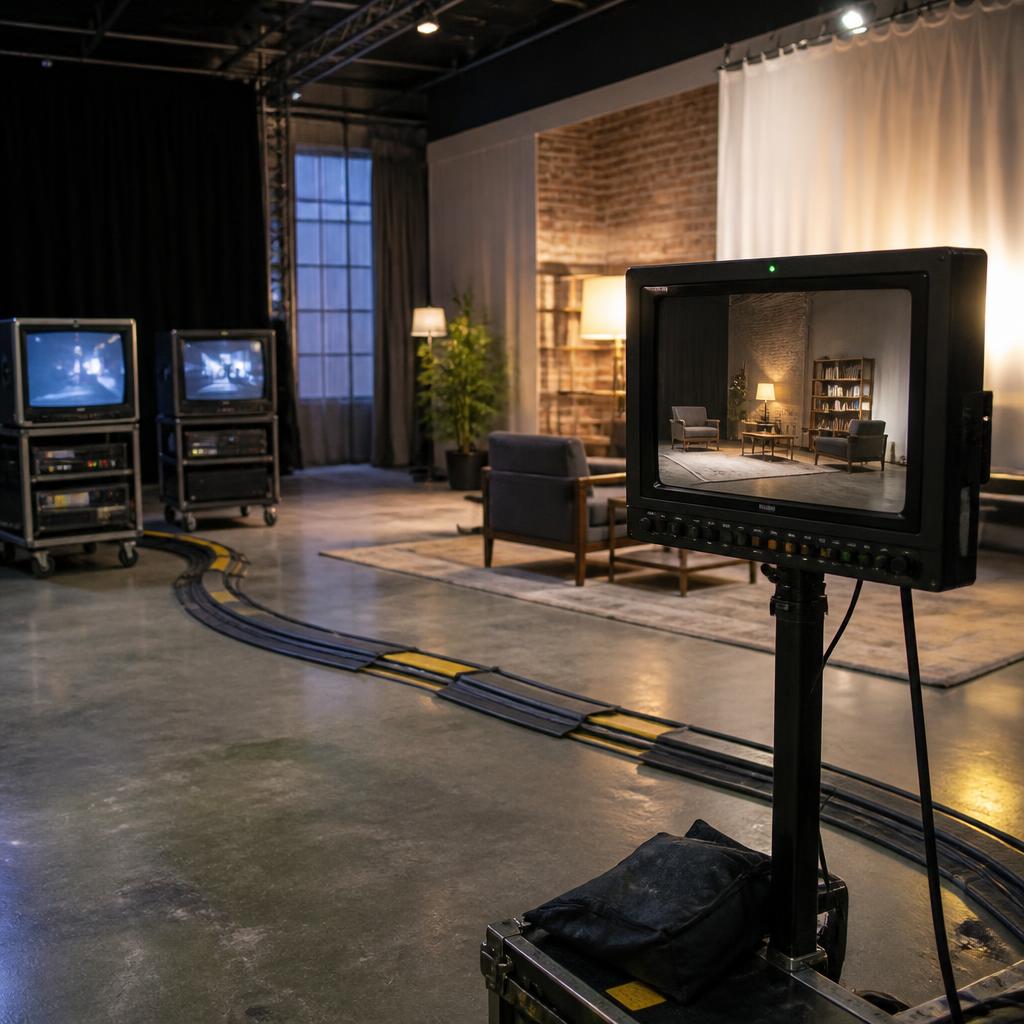 Test the screen with the source and content you plan to use.
What should a quote clarify?
Ask for the equipment, hire dates, price basis, delivery and collection arrangements, included accessories and optional services to be set out clearly. Read the rental terms for payment, deposits, extensions, cancellation, damage responsibility, technical faults and return condition. If anything is unclear, ask before confirming. A form submission or quote request is not itself a booking.
For consumer contracts, the relevant rights can depend on the agreement and how it was made. For general information about cancellation, see the Competition and Markets Authority consumer guidance. This guide is not legal advice.
Your quick enquiry checklist
- City or postcode area and venue type
- Required delivery date and full rental length
- TV type, approximate size and number of screens
- Intended use and whether the image must work
- Source devices, connections and audio needs
- Access, loading, delivery and collection constraints
- Any reference images or venue requirements
Ready when you are
Start with the details you have.
We can discuss the rest together.
Start a TV rental enquiry